


Index files in KDE Dolphin to view meta data such as duration and length for files.
Dolphin (KDE's file manager) can show you meta data in the file Information panel but without indexing your files, the file's meta data might be missing or you might want to add additional information columns in the main file view. This is especially helpful when mixing audio SFX files where you can see at-a-glance what might be an average audio length to target SFX mixes.
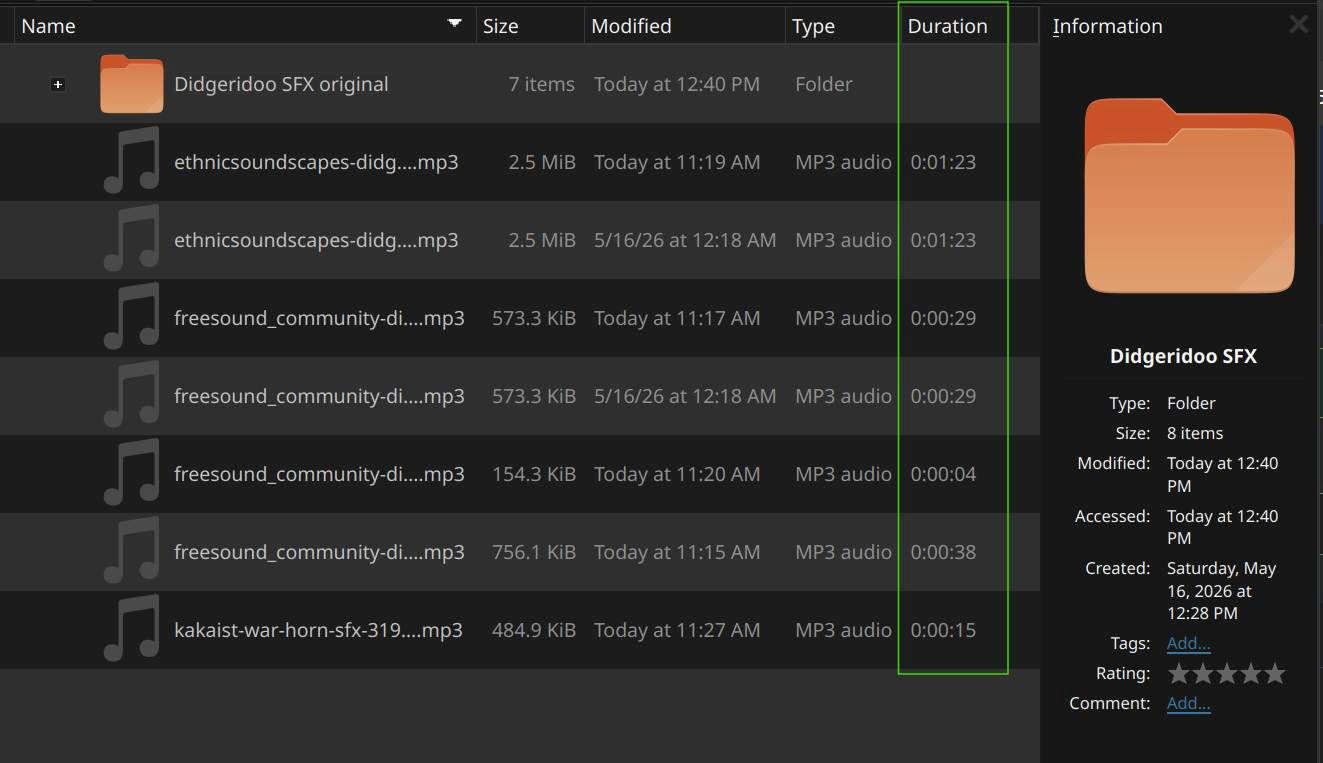
The balooctl tool is what indexes file information, and you can set locations using KDE's System Settings > Search panel... but even though that was set, running balooctl would only update the paths on our local OS drive, not our secondary storage device or remote locations.
We tried using the baloofilerc configuration file per documentation [General] folders[$e]=$HOME pattern. Escaping the spaces using preceeding/trailing slashs, apostrophes or quotations for the remote directory just didn't work. Fortunately, using this command forced balooctl to index the remote folder:
find '/mnt/SOMELOCATION YOU HAVE/PROJECT FOLDER NAME/GAME PROJECT/' -type f -print0 \
  | xargs -0 -n1 -P4 -I{} balooctl index "{}"
That will force balooctl to index the location recursively and update the meta file information so you can see it in the Dolphin file manager.
